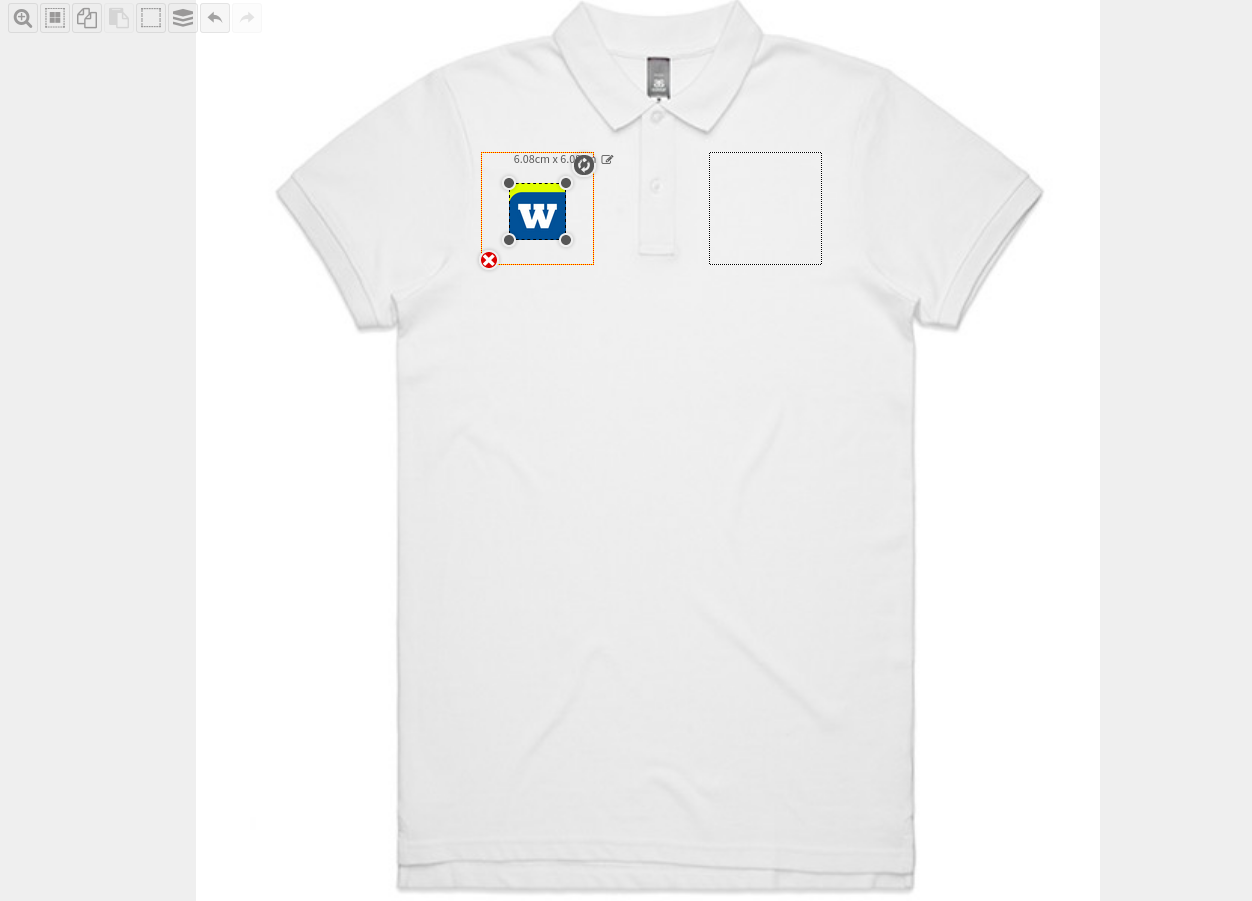
Designing a garment has never been easier or more accurate. With our designer you can visualise what your garment is going to look like by adding and editing designs on the product right in front of your eyes. This way, you can ensure the finer details of your request are satisfied.
How to add a design/logo
From the designer interface:
- Select the decoration area where you want to place your design by either clicking inside the defined regions or by selecting the are via the Locations tab and click Add Design

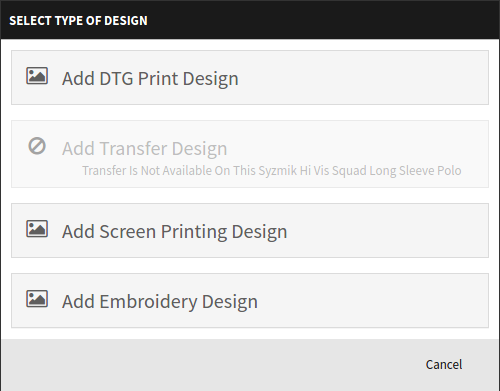
- Choose the type of design that will be imported. The type of design that can be loaded are limited by the decoration processes that are supported by the product that is being decorated.
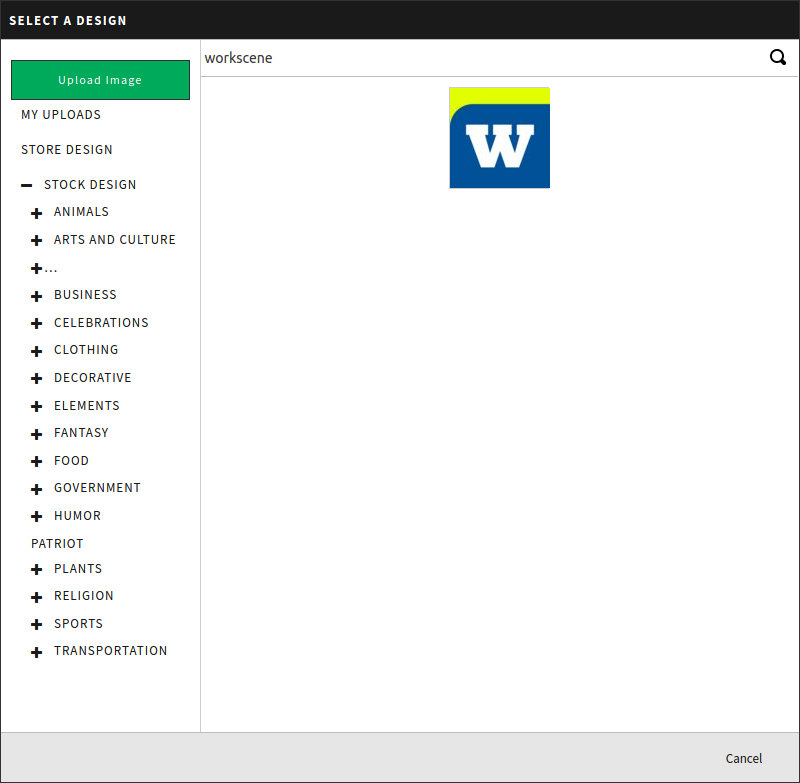
- Select a design from either a library of stock designs or upload one of your own designs via the Upload Image button (registered users can save their designs to be reused in the future).
- The design will be loaded and placed onto the decoration area of the product. The imported design will be assigned a new layer and clicking the design will show the bounding box for the design, and make available its resizing and rotation handles.